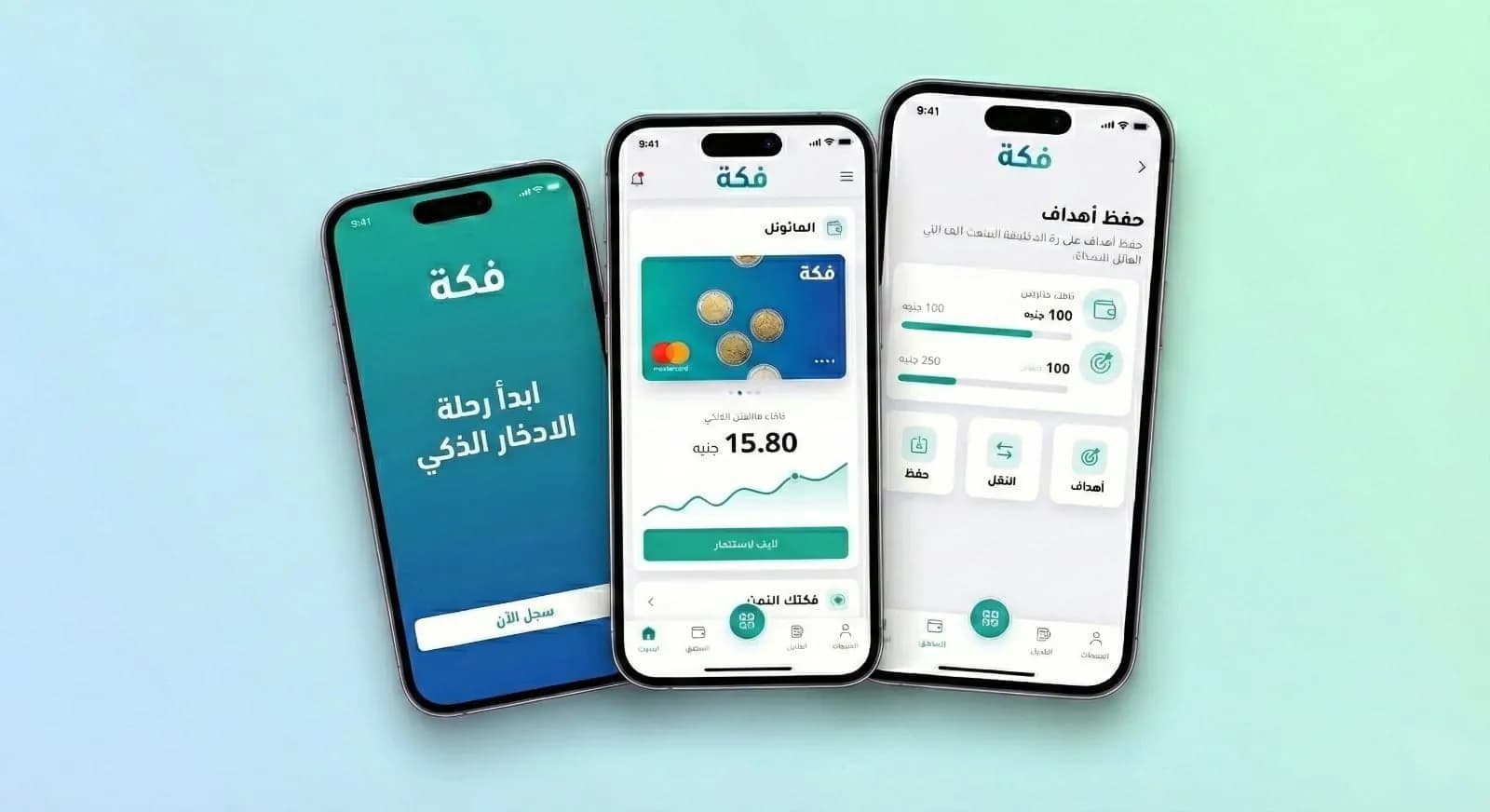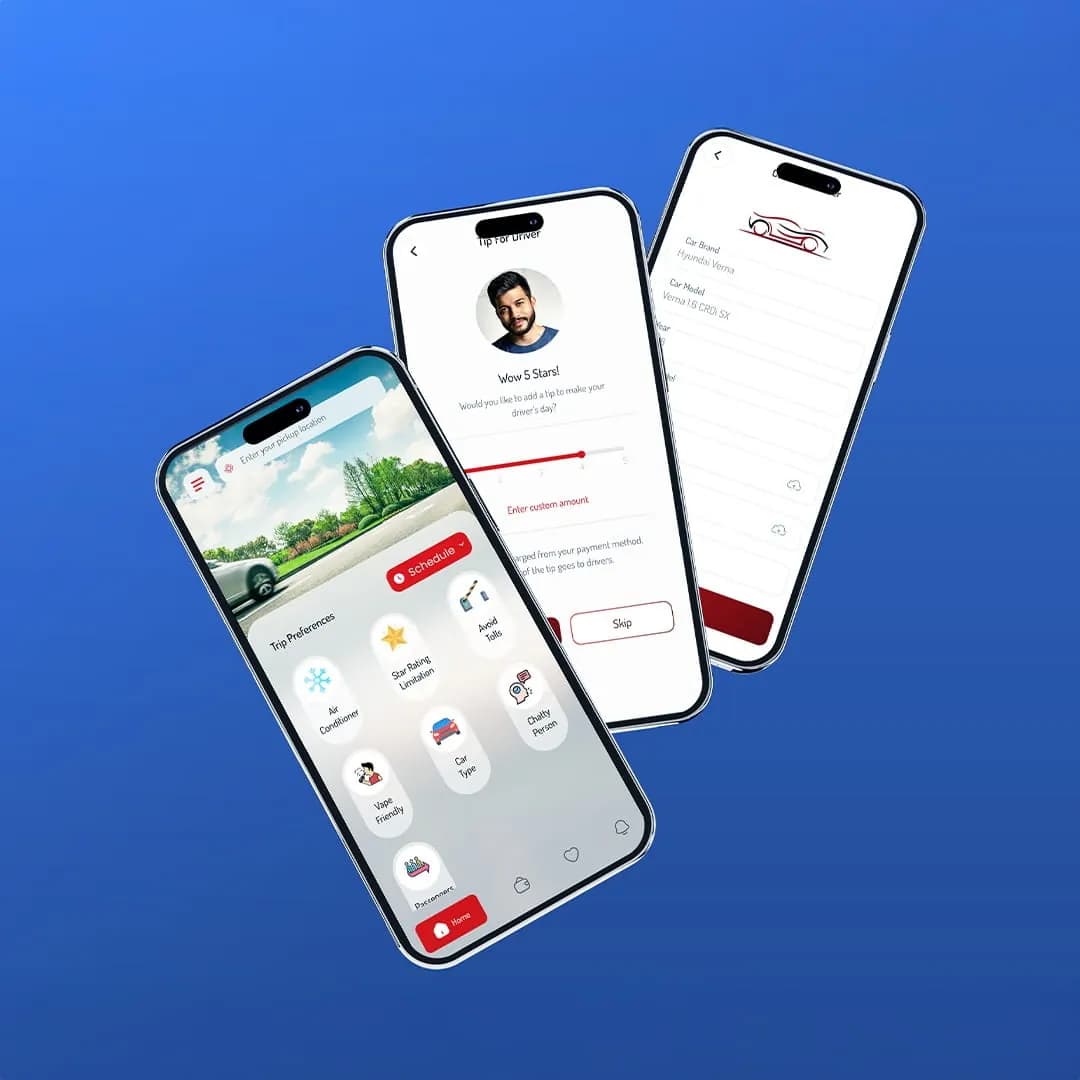
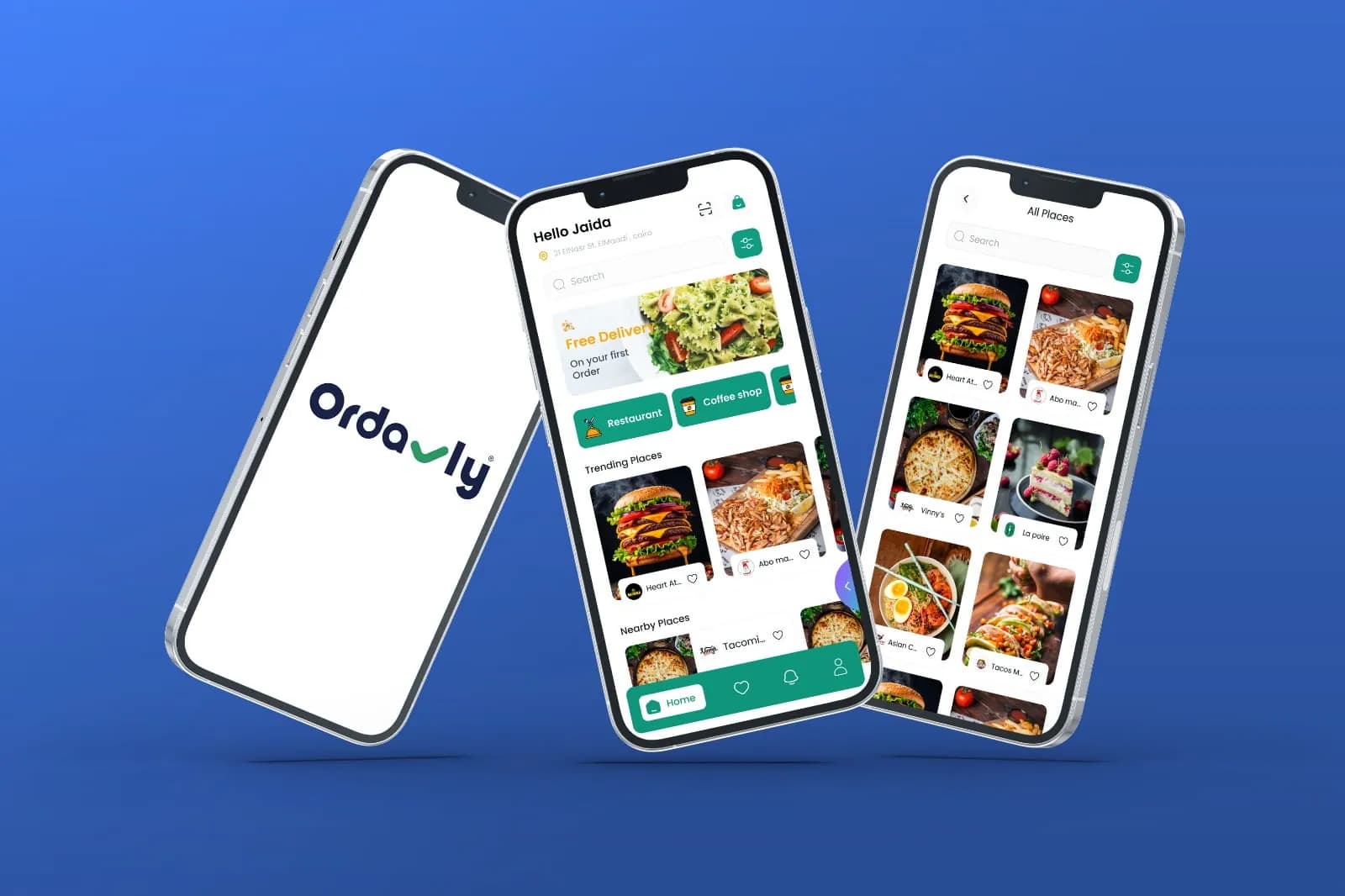
Many apps in our region are designed in English first and “translated” later. Users notice. Here are the rules we follow to make products feel genuinely Arabic — without breaking the English version.
The rules
- Mirror the layout, but not everything: media controls, phone numbers and brand logos keep their direction
- Choose an Arabic typeface designed for screens, and give it more line height than Latin text
- Never letter-space Arabic — it breaks the connected script
- Write Arabic copy natively; don't translate English marketing phrases word for word
- Support both Arabic and Western digits where users type numbers
- Test long Arabic strings: labels are often 20–30% longer or shorter than English
- Mirror icons with direction (arrows, back buttons) and keep symmetrical icons as they are
- Localise payments, addresses and date formats — not just words
Why it matters for business
Users who feel a product was made for them trust it faster — and trust is what turns a visit into a sign-up, a booking or an order. Every Evyx product, including this website, is designed Arabic-first and English-first at the same time.